Quick Reading Guide
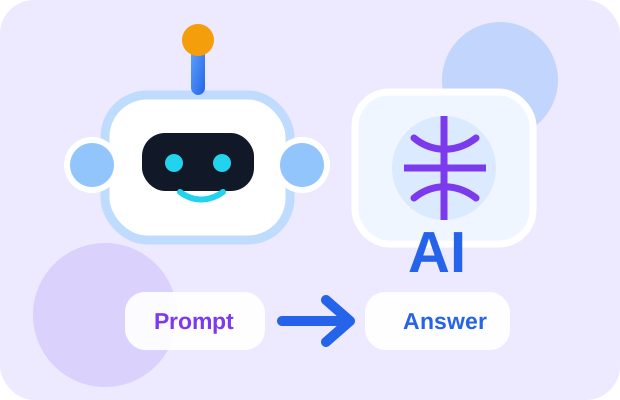
This article explains AI in a simple way: what it means, how people use it, why it can make mistakes, and how to use it safely in real office work.
1. Simple Definition
AI means Artificial Intelligence.
In simple words, AI is a computer system that can do tasks that normally need human thinking.
For example, AI can:
- Answer questions
- Write emails
- Translate language
- Recognize photos
- Suggest videos
- Help with Excel formulas
- Create images and videos
AI is not magic. AI learns from data and patterns, then gives an answer based on what it has learned.
2. Simple Example
Think about a young office worker in Myanmar.
Before AI, they write an English email by themselves. They worry about grammar and spend 20–30 minutes checking the wording.
With AI, they can type:
Then AI gives a better email draft in a few seconds.
The human still needs to check the meaning, tone, and facts. But AI helps make the work faster.
3. Infographic: Human Brain vs AI Brain
AI is powerful, but it is not the same as human thinking. This visual comparison helps beginners understand the difference.
Human Brain
- Understands feelings and real-life situations
- Uses personal experience and judgment
- Can understand right, wrong, culture, and emotion
- Makes final decisions and takes responsibility
AI Brain
- Learns from data and examples
- Finds patterns very quickly
- Gives suggestions, drafts, summaries, and ideas
- Needs human checking before final use
4. GIF-Style Mini Animation: How AI Helps
This is a simple animated explanation inside the website. Later, we can replace this with a real GIF if needed.
Ask → AI Suggests → Human Checks → Better Result
This is the most important AI habit: do not copy blindly. Ask AI, check the output, then improve it.
5. Myanmar-Friendly Real-Life Examples
- Facebook: recommends posts and videos based on what people watch or click.
- YouTube: recommends videos based on watch history.
- Phone camera: improves photos automatically.
- Office work: helps write emails, summarize reports, and explain Excel formulas.
- Small business: helps write Facebook product posts or customer replies.
6. Common Misunderstanding
Many people think:
This is wrong.
AI can make mistakes. AI can give old information. AI can also sound confident even when the answer is not correct.
Best rule: AI helps. Human checks. Human decides.
7. How to Use This Knowledge
When using AI, do not only type one short question.
Weak prompt:
Better prompt:
Clear input gives better output.
8. Recommended Short Video
Watch this short English video to understand the topic visually before reading deeper.
What to watch for:
- What AI means in simple language
- How AI is used in daily life
- Why humans still need to check AI output
9. 3-Minute Summary
AI means Artificial Intelligence.
AI is a computer system that can do tasks that usually need human thinking.
AI can help with writing, translation, photo generation, video generation, Excel, reports, and many office tasks.
But AI is not always correct.
The best way to use AI is:
AI is not magic. AI is not a human. AI is a powerful assistant.